Xingzhen Technology IoT Module (DTU)
WiFi Connection Instructions
Video Tutorial
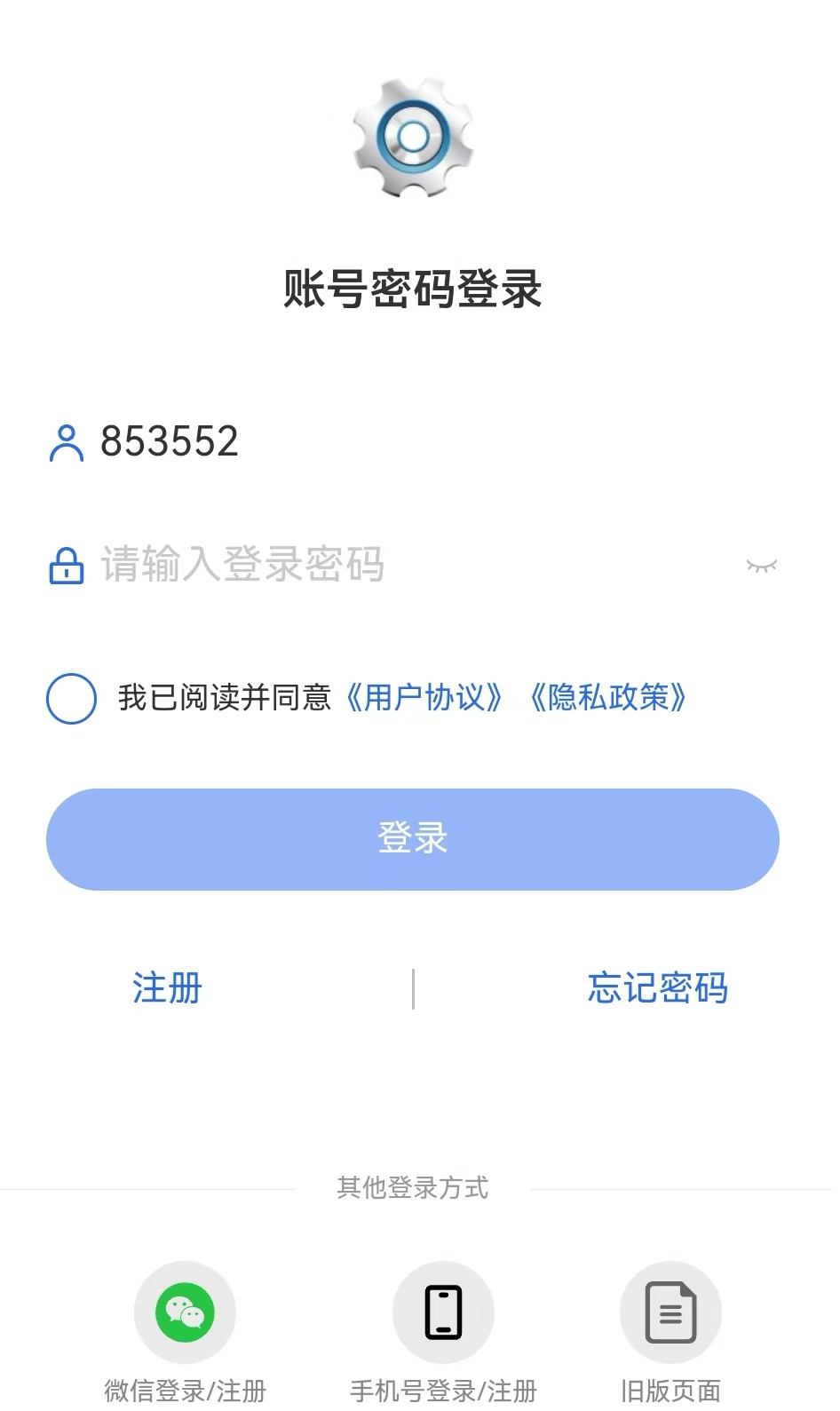
1.Log in to "Device Smart" app
2.One-click Network Configuration
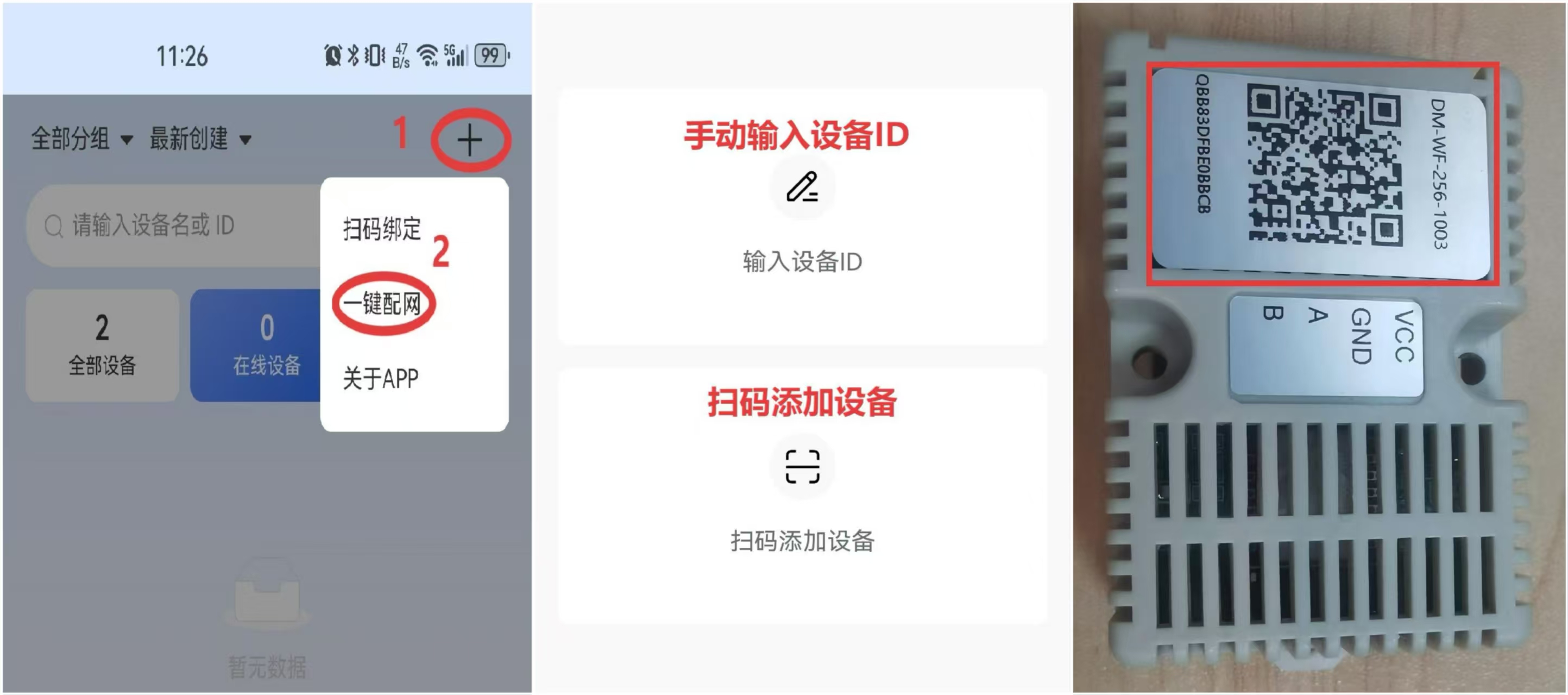
.vTaZ8uRk.jpg)
.DVTfWL7M.jpg)
3.Notes
- The device currently only supports 2.4Ghz, please select 2.4G WiFi for network configuration.
- The app needs to obtain notification permissions to receive alarm information.
- The app needs to obtain Bluetooth and location permissions, and Bluetooth and location services need to be turned on when connecting the device to the network.
Contact Us
Company Information
- Company Name: Beijing Xingzhen Technology Co., Ltd.
- Company Address: Room 519, Building 1, No. 10 Longyu North Street, Changping District, Beijing
- R&D Center: A16-3A, Chuangxinggang Changban University Innovation Park, No. 21 Changyuan Road, Tianhe District, Guangzhou
- Contact Person: Li Zhongyou
- Phone: 15625178785