Device Information Query
Single Device Binding
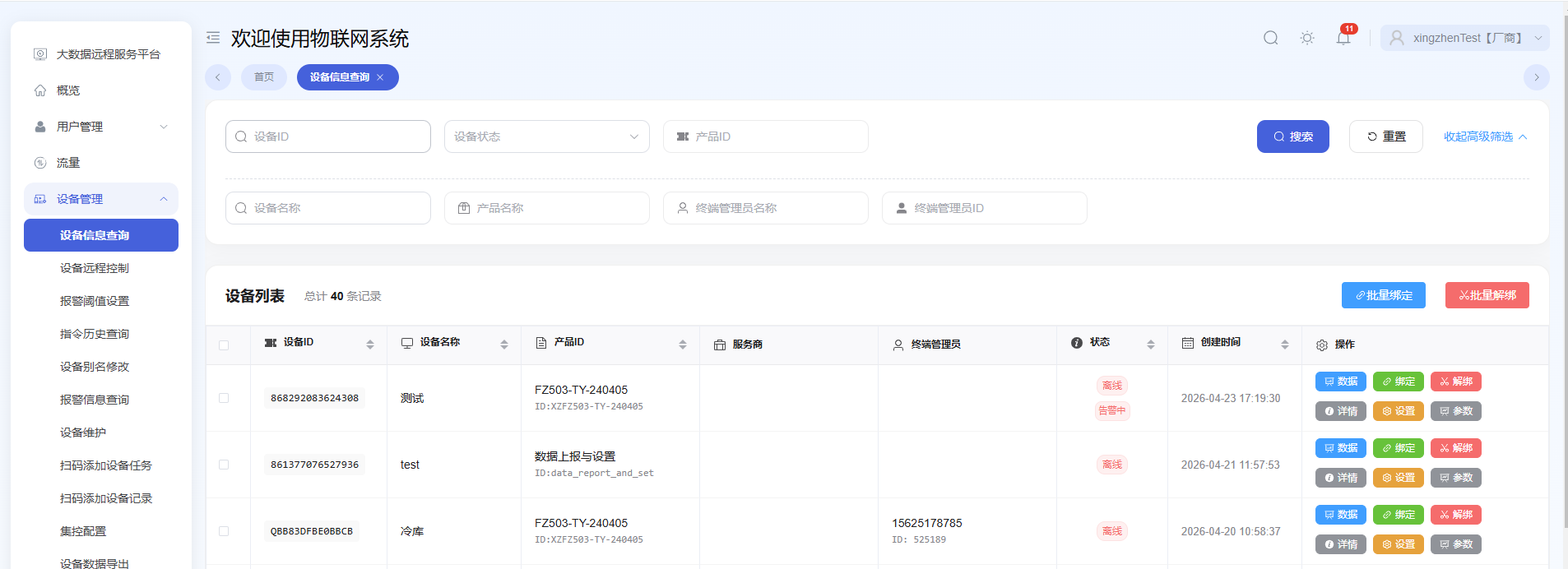
First, search for the device you want to bind, click the bind button on the right, then select the service provider and/or terminal administrator to bind.
Path: Device Information Query → Search → Bind

Batch Binding Devices
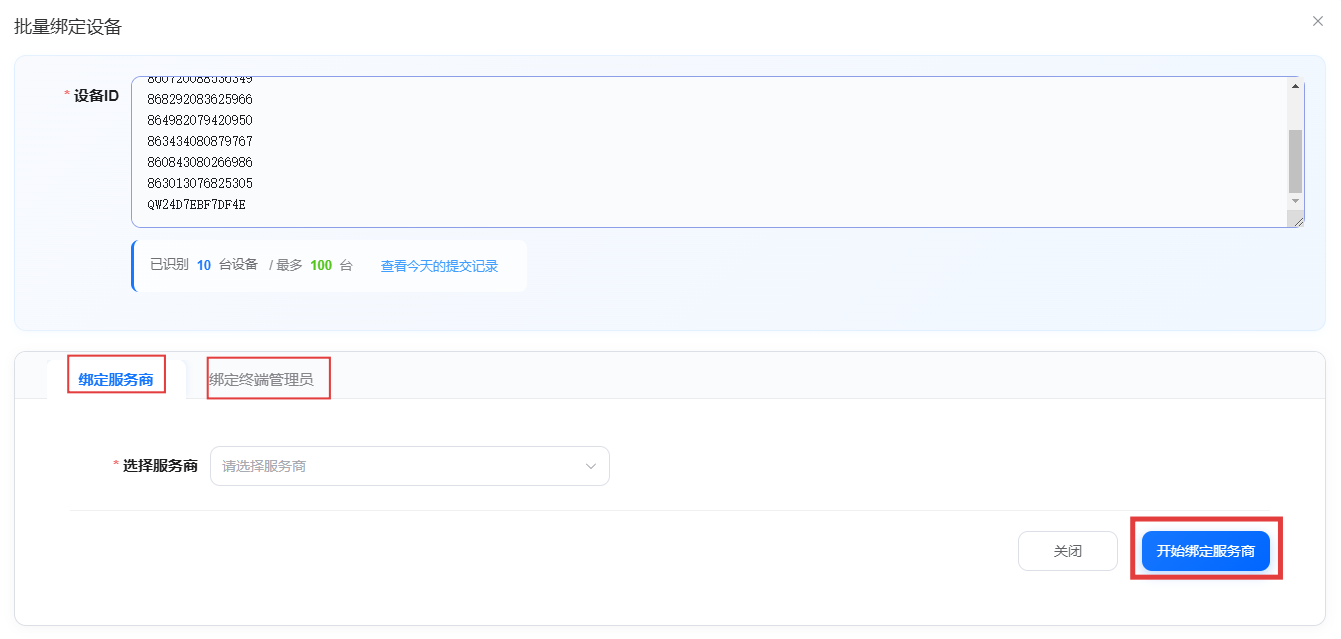
First, select the devices you want to bind in the device list, then click "Batch Bind" in the upper right corner, select the service provider and/or terminal administrator to bind, and finally click "Start Binding". (Already bound devices cannot be bound again; they must be unbound first.)
Path: Device Information Query → Batch Bind
Single Device Unbinding
First, search for the device you want to unbind, click the unbind button on the right, then unbind the device.
Path: Device Information Query → Search → Unbind

Batch Unbinding
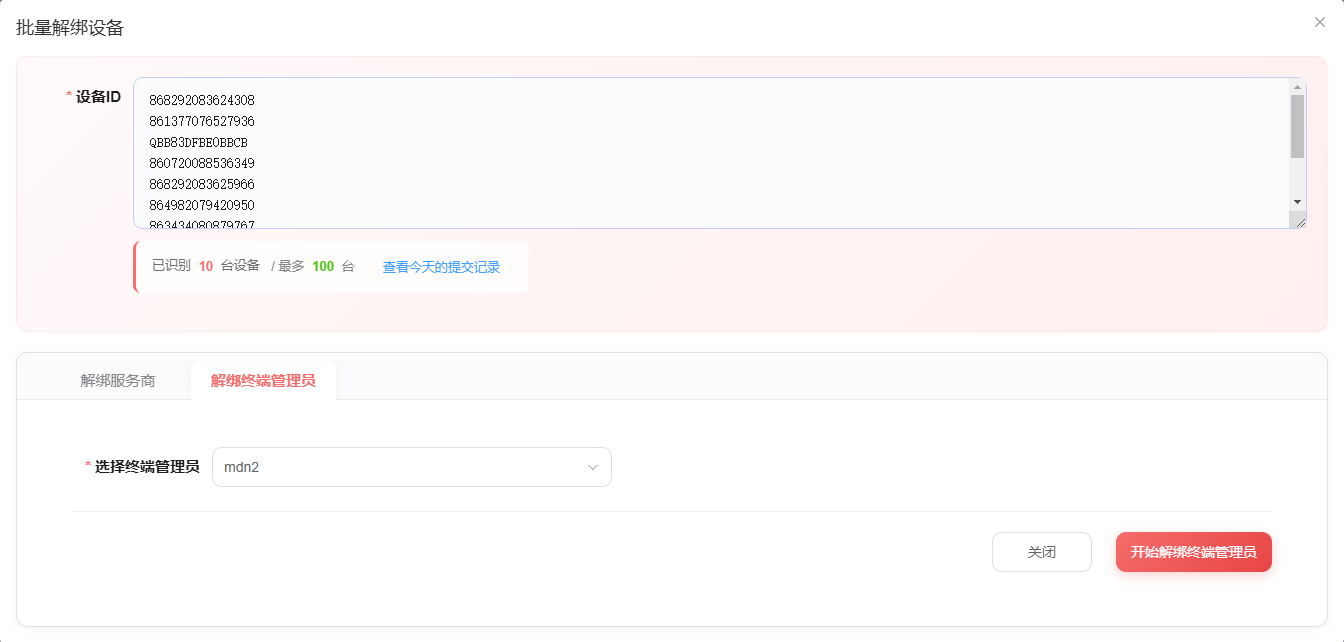
First, select the devices you want to unbind in the device list, then click "Batch Unbind" in the upper right corner, select the service provider or terminal administrator to unbind, and then start unbinding.
Path: Device Information Query → Select devices to unbind → Batch Unbind
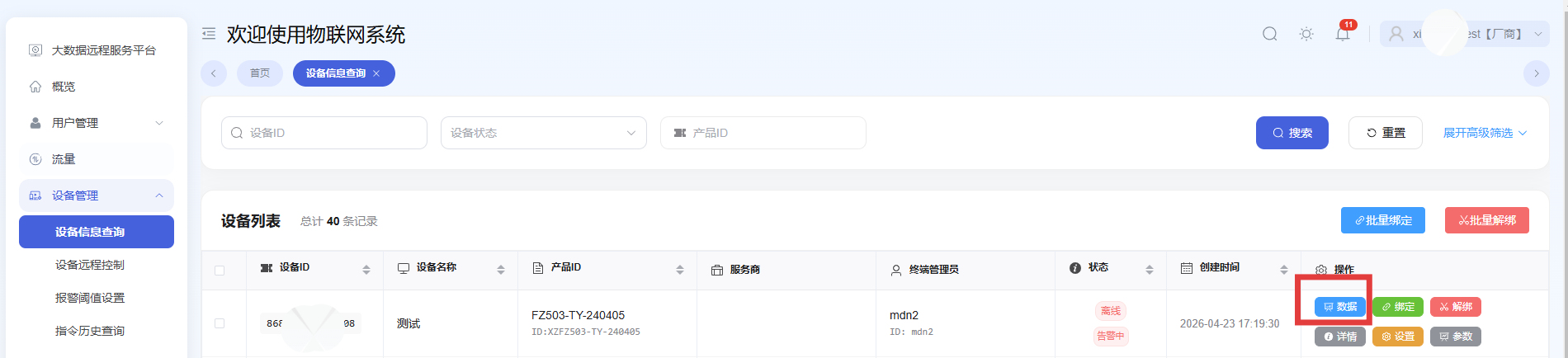
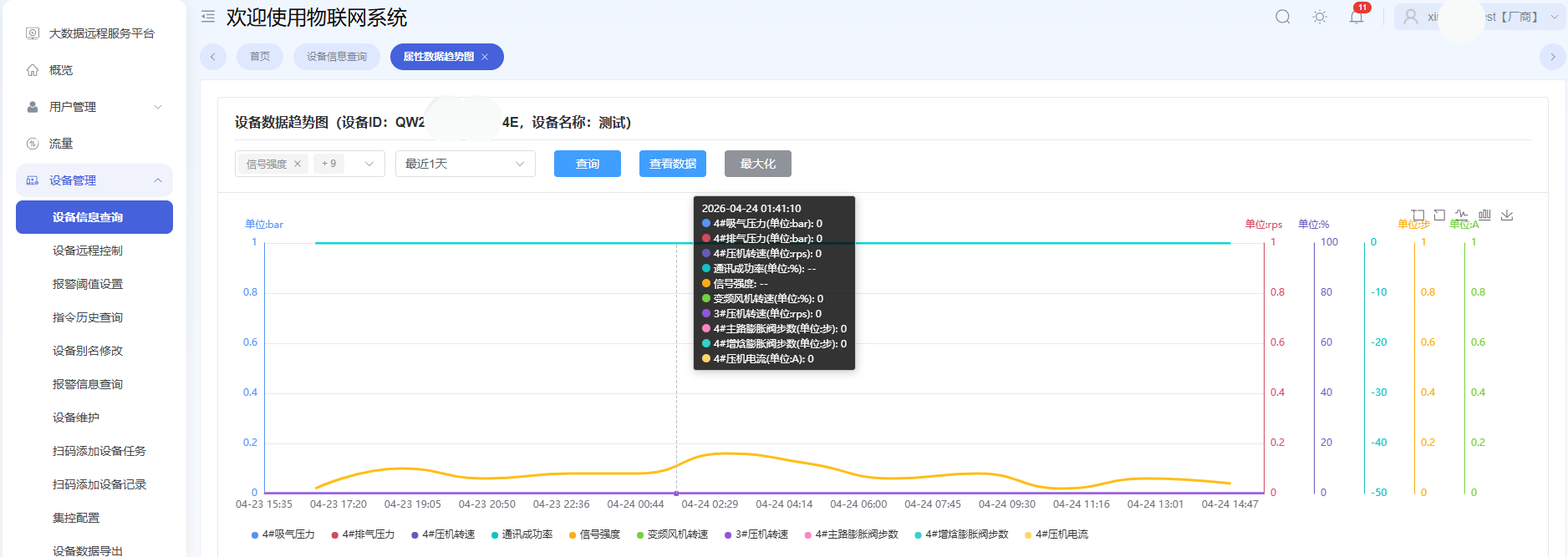
View Device Data Trends
Path: Device Information Query → Data
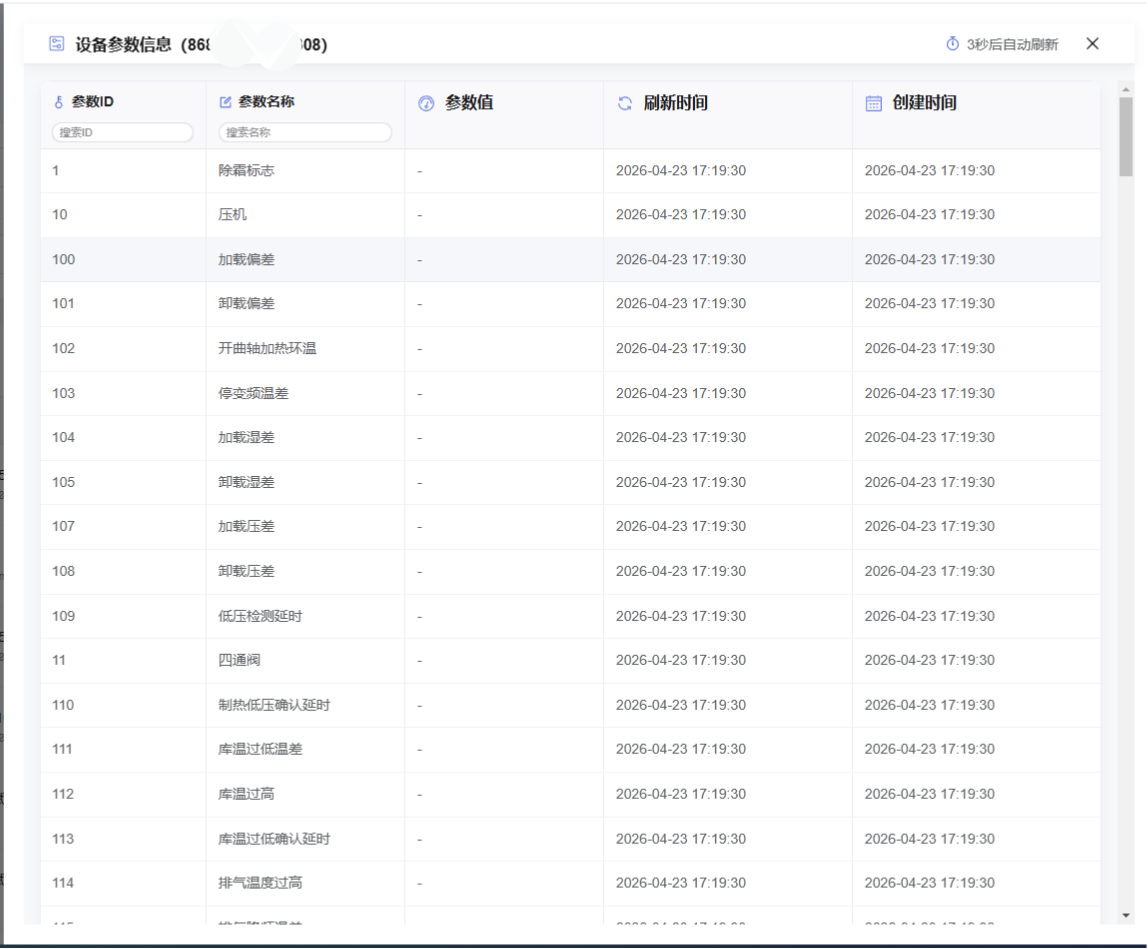
View Device Parameter Information
Path: Device Information Query → Parameters
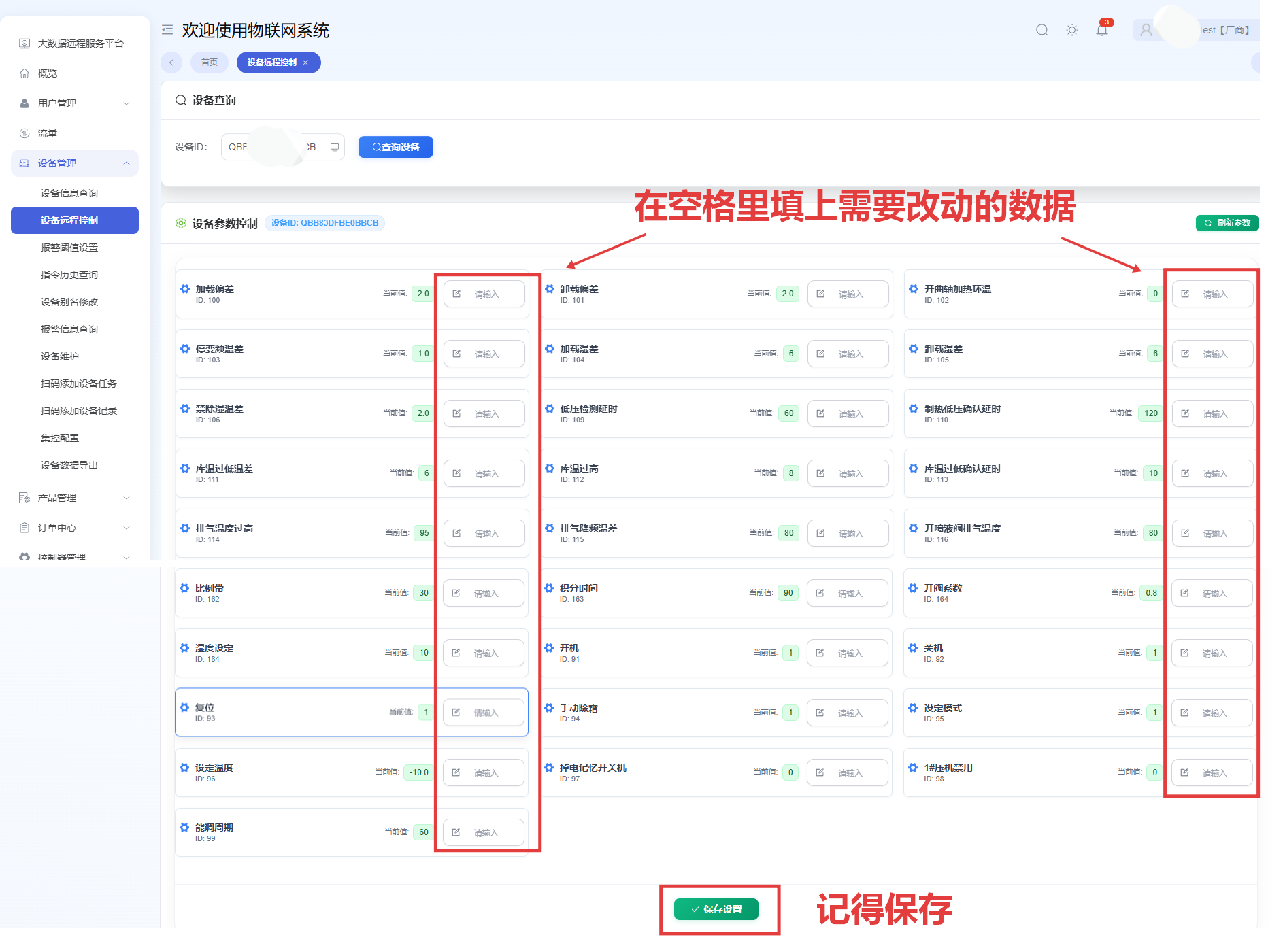
Remote Device Parameter Settings
Click the settings button on the right.
Path: Device Information Query → Settings
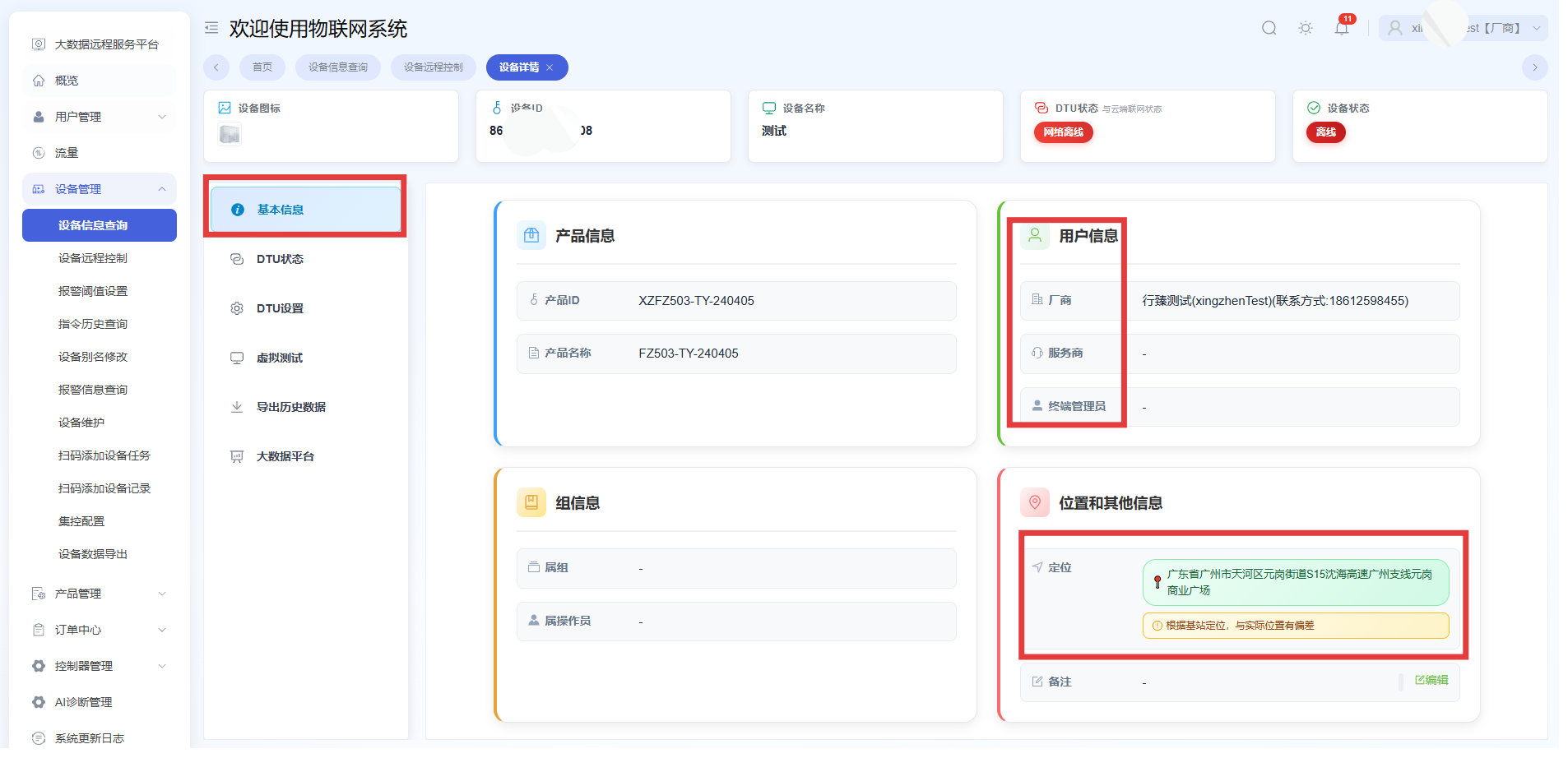
View Bound User Information and Location
Click the details button on the right.
Path: Device Information Query → Details → Basic Information
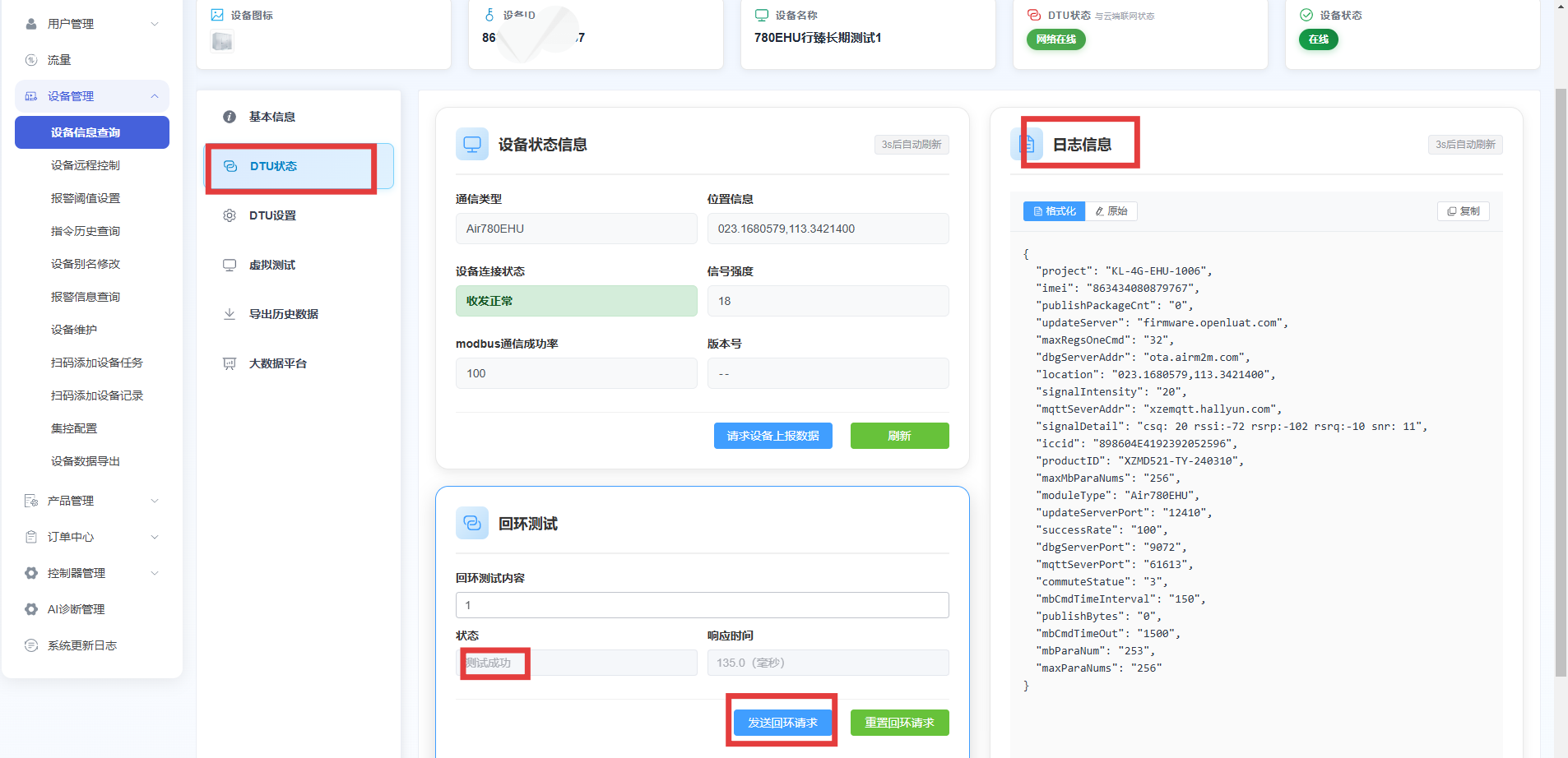
View DTU Status
Path: Device Information Query → Details → DTU Status
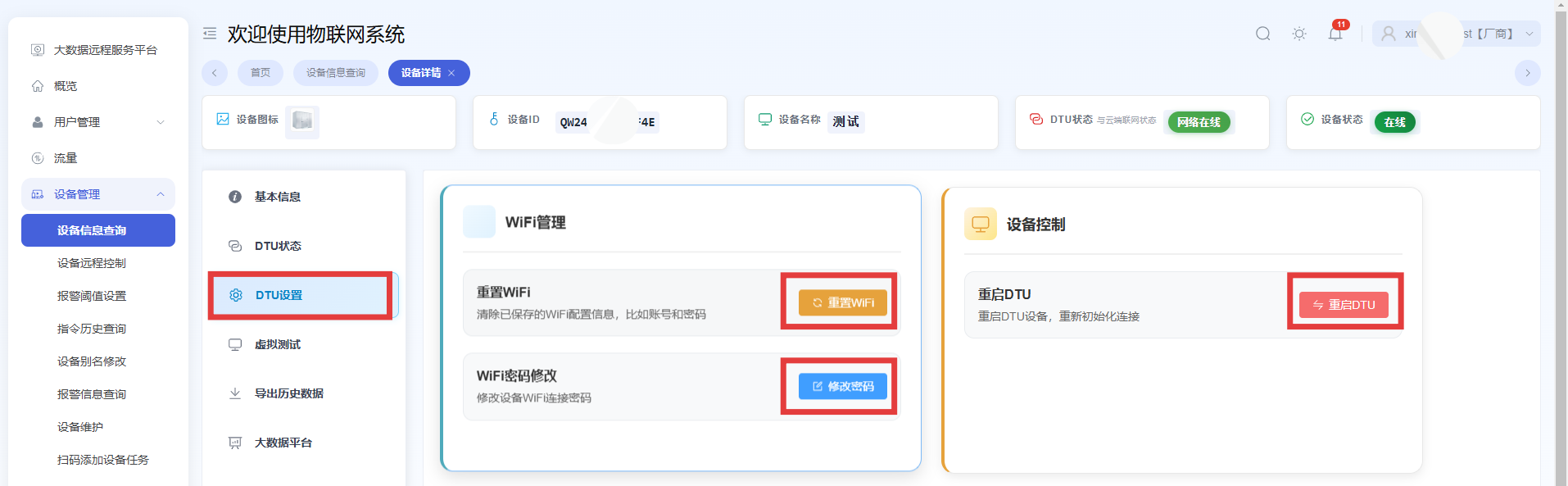
Reset WiFi, Modify WiFi Account and Password, Restart DTU
Path: Device Information Query → Details → DTU Settings
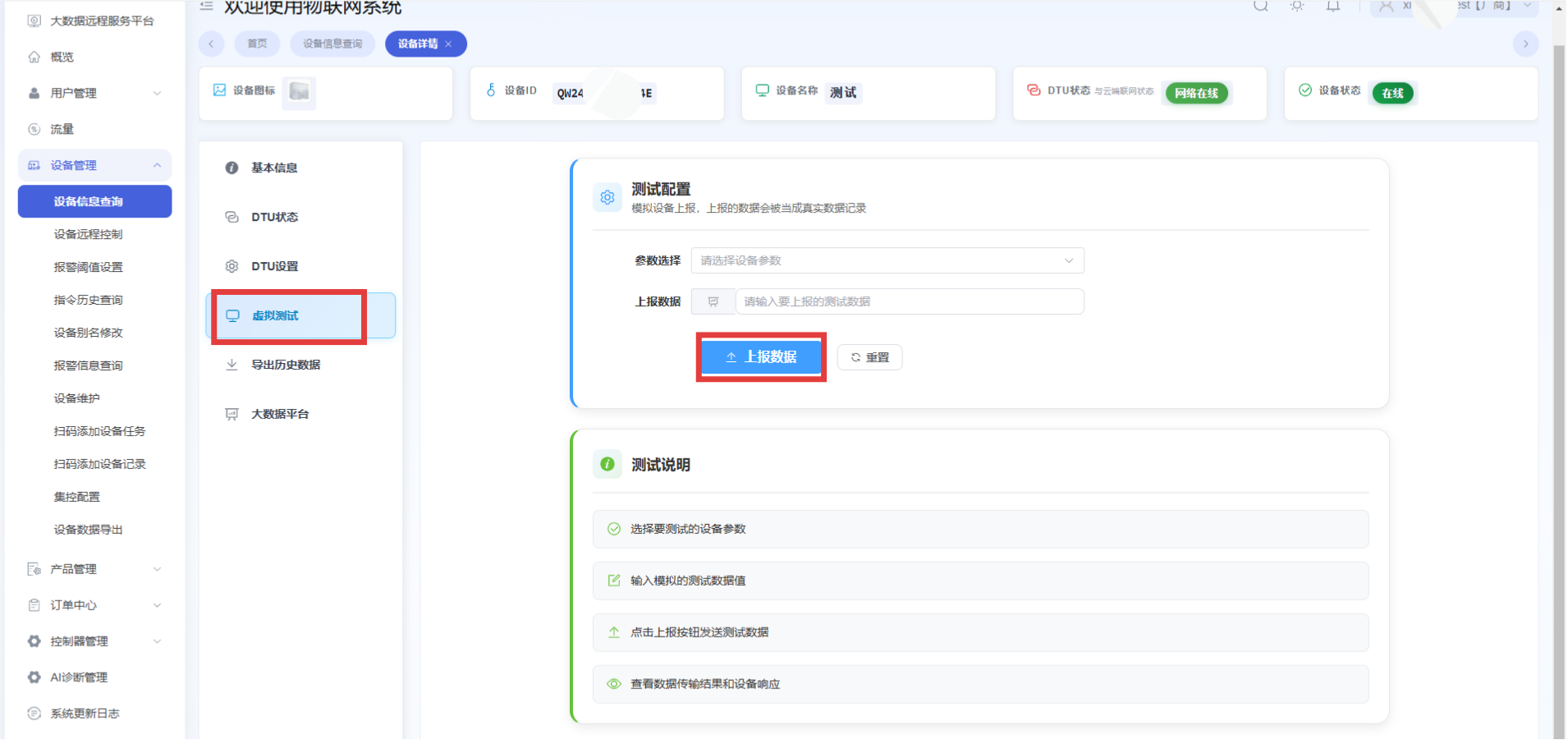
Test Configuration
Simulate device reporting. The reported data will be recorded as real data. Please test carefully to avoid losses.
Path: Device Information Query → Details → Virtual Test
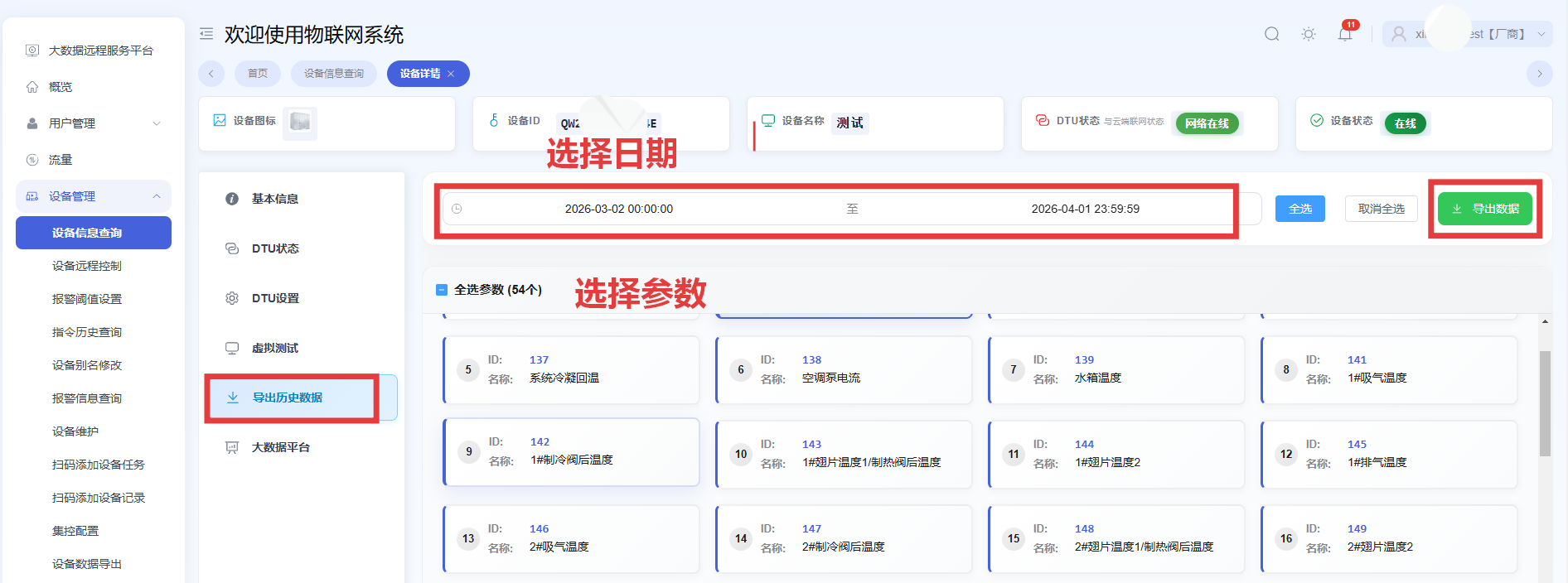
Export Historical Data
Path: Device Information Query → Details → Export Historical Data
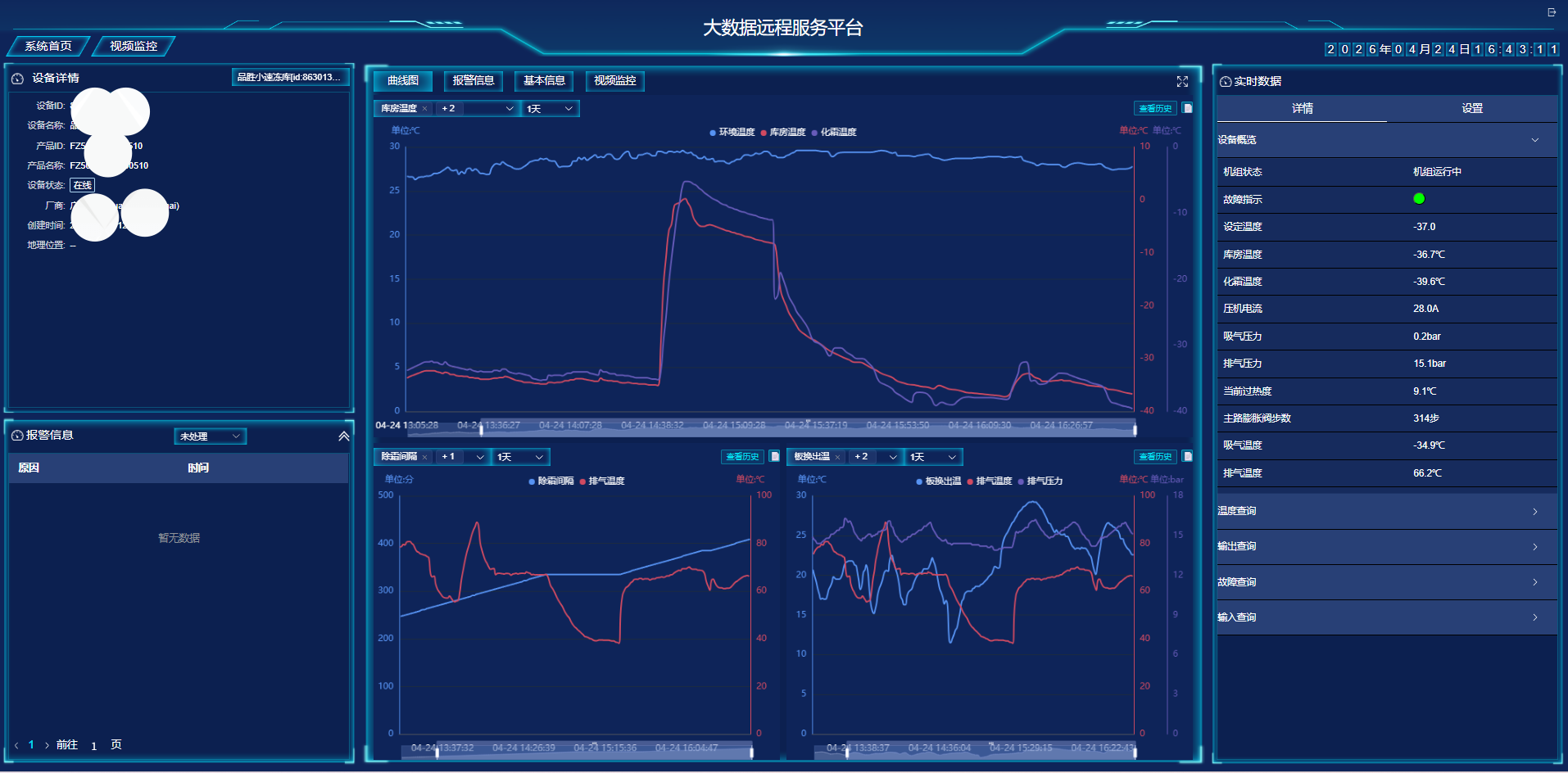
Big Data Platform
Path: Device Information Query → Details → Big Data Platform