Modify WiFi Name and Password
WiFi Setting Entry
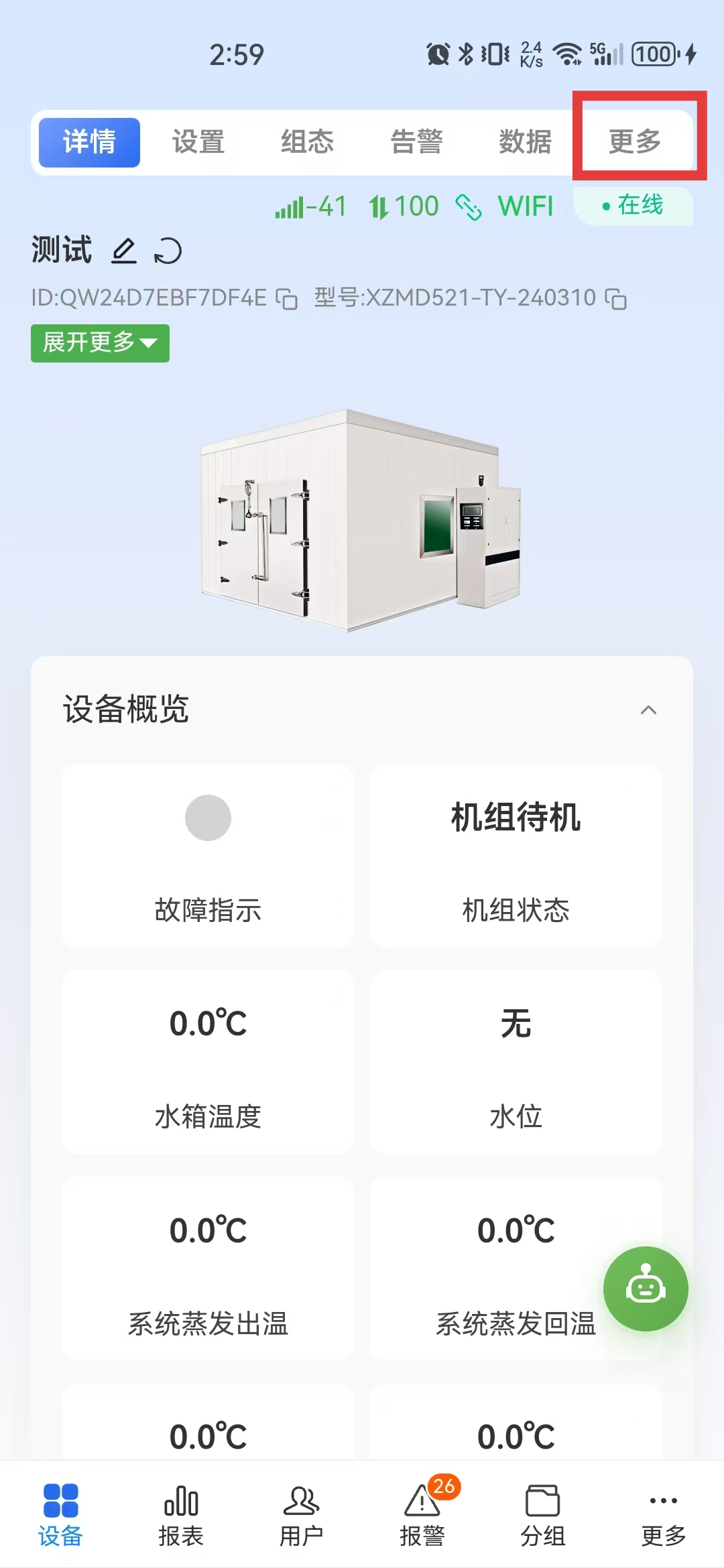
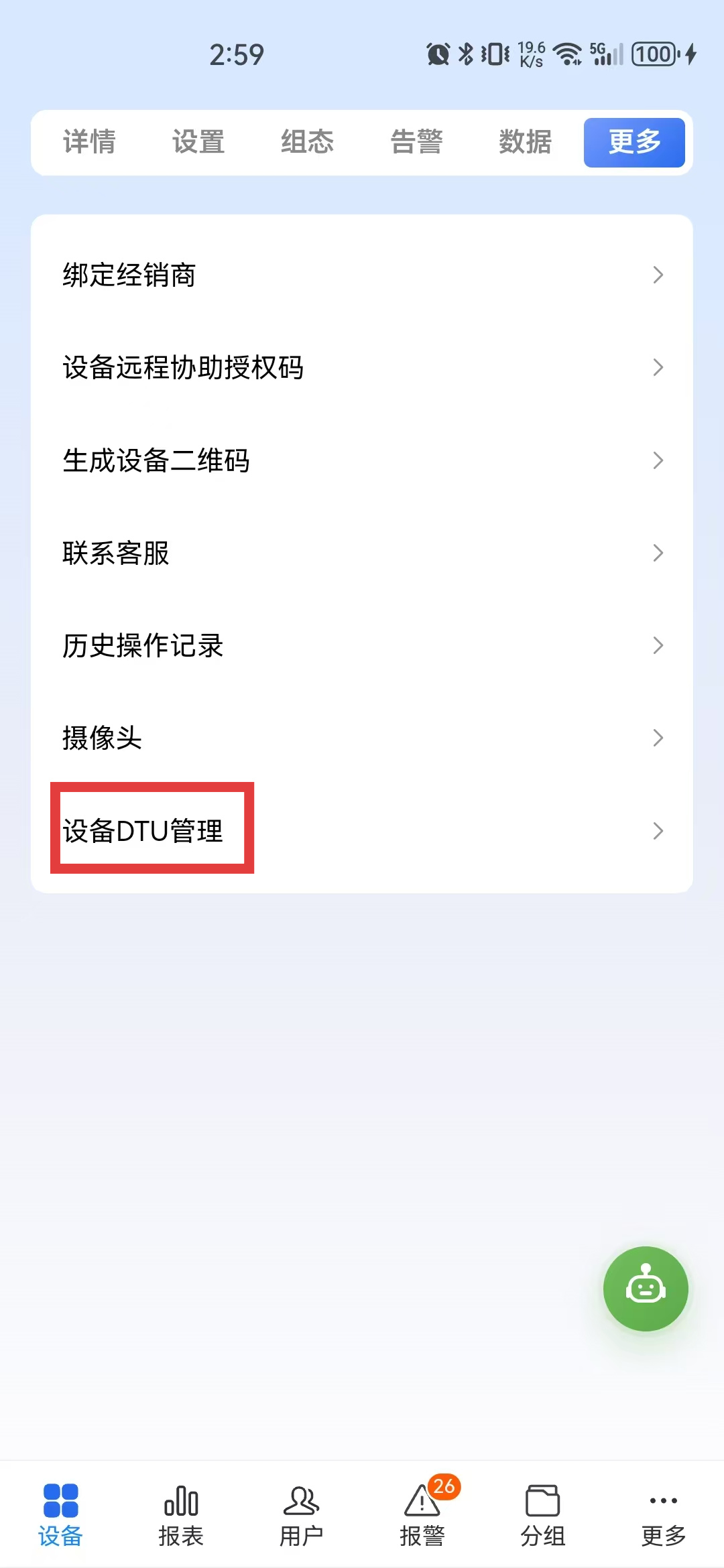
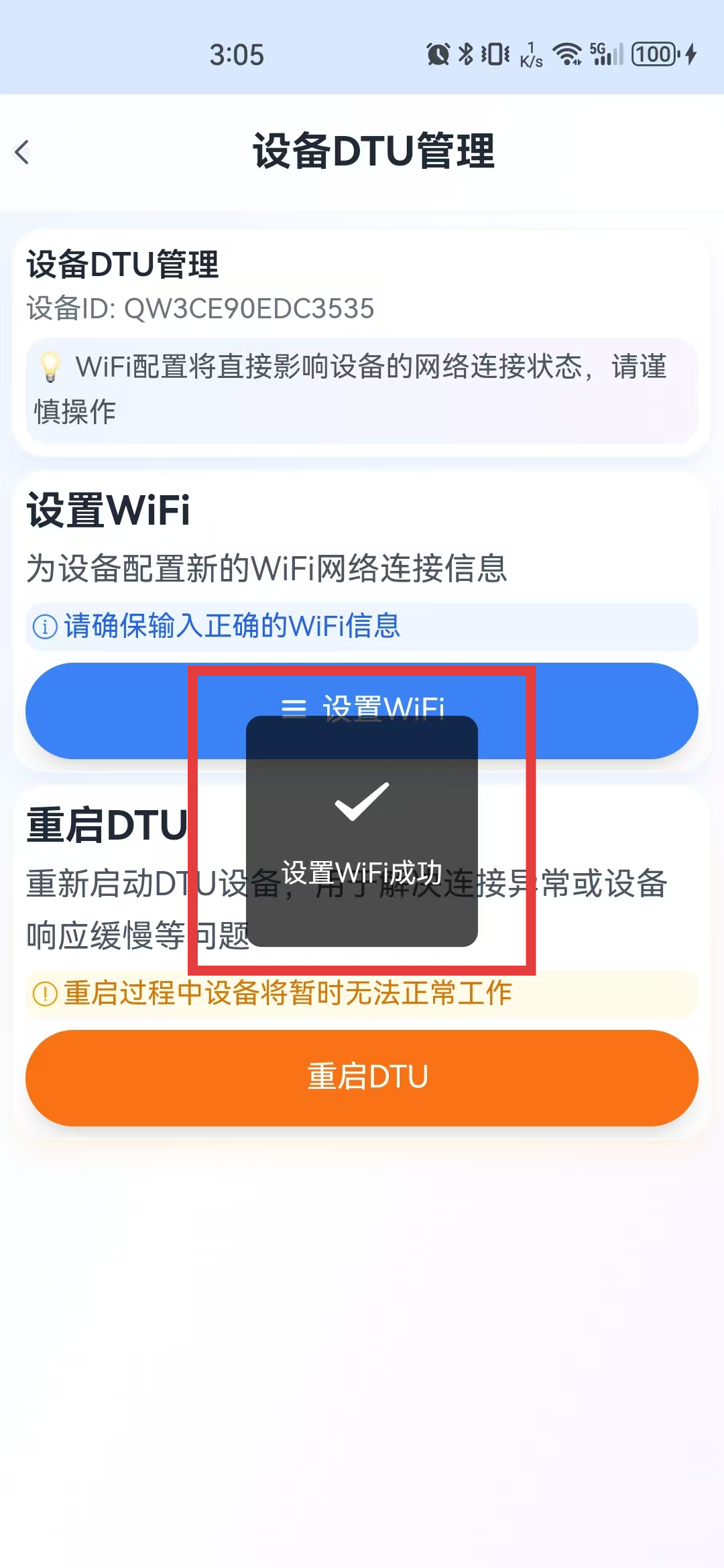
Log in to Device Smart, open the target device, tap More in the upper-right corner, then open Device DTU Management and tap Set WiFi.
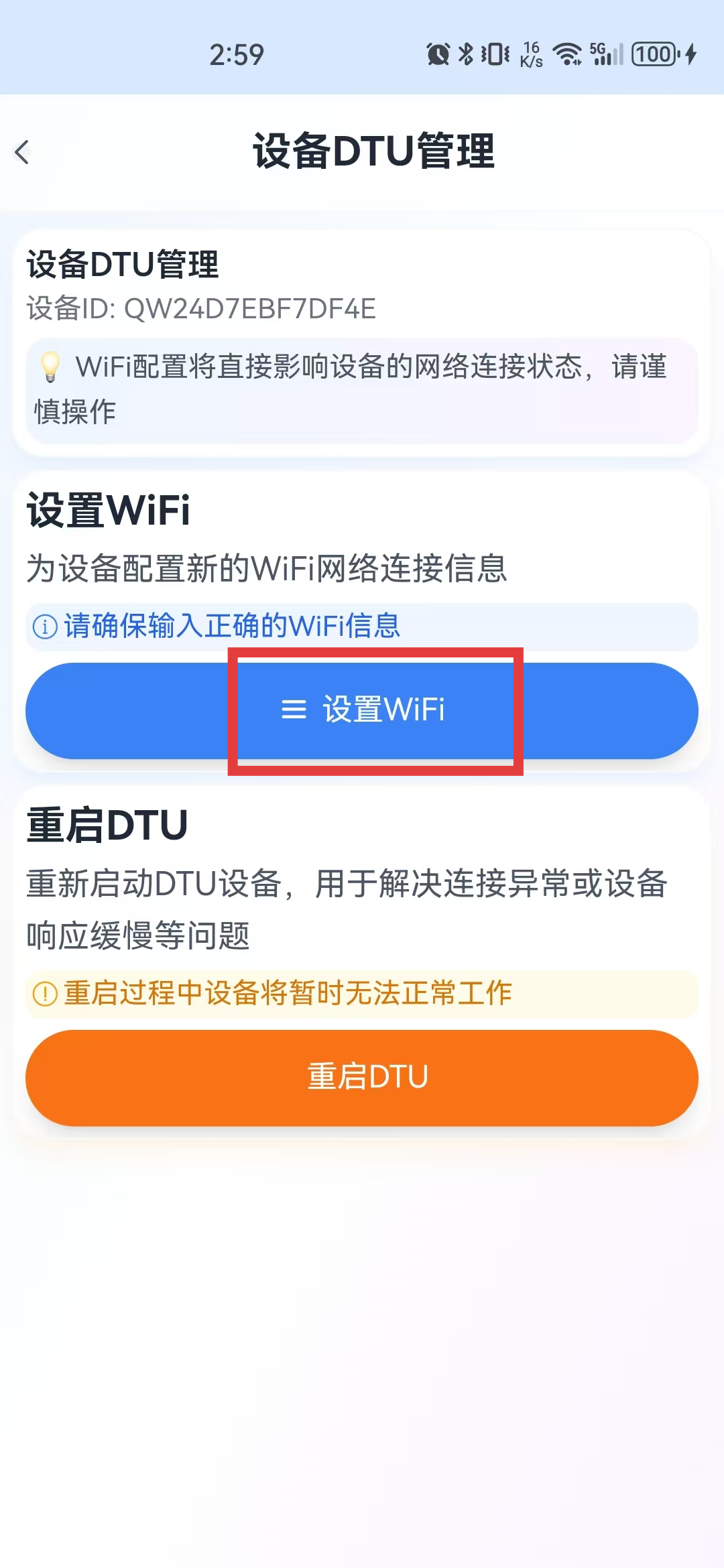
Set WiFi
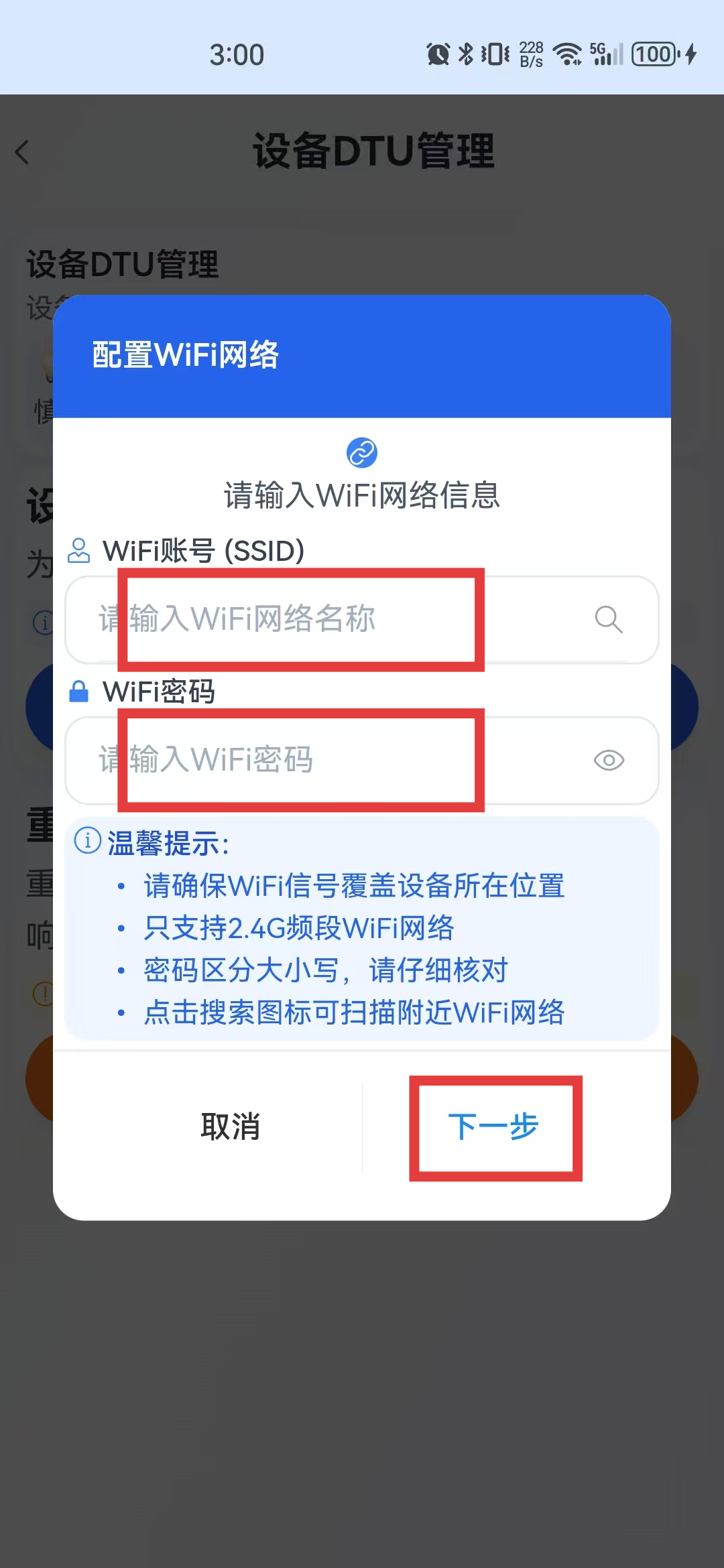
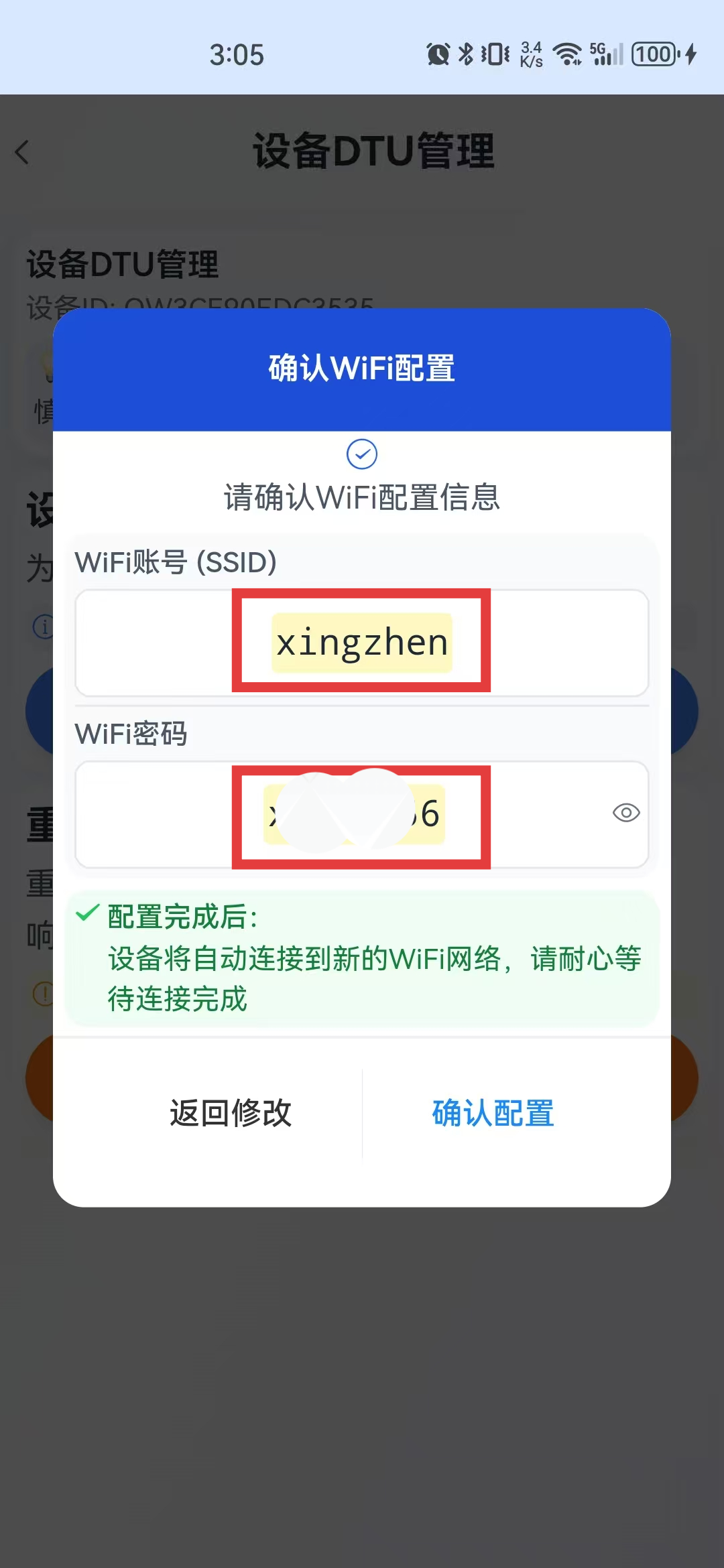
Enter the WiFi name and password, tap Next, confirm the WiFi information again, and then tap Confirm Configuration.
Reconnect to the Network
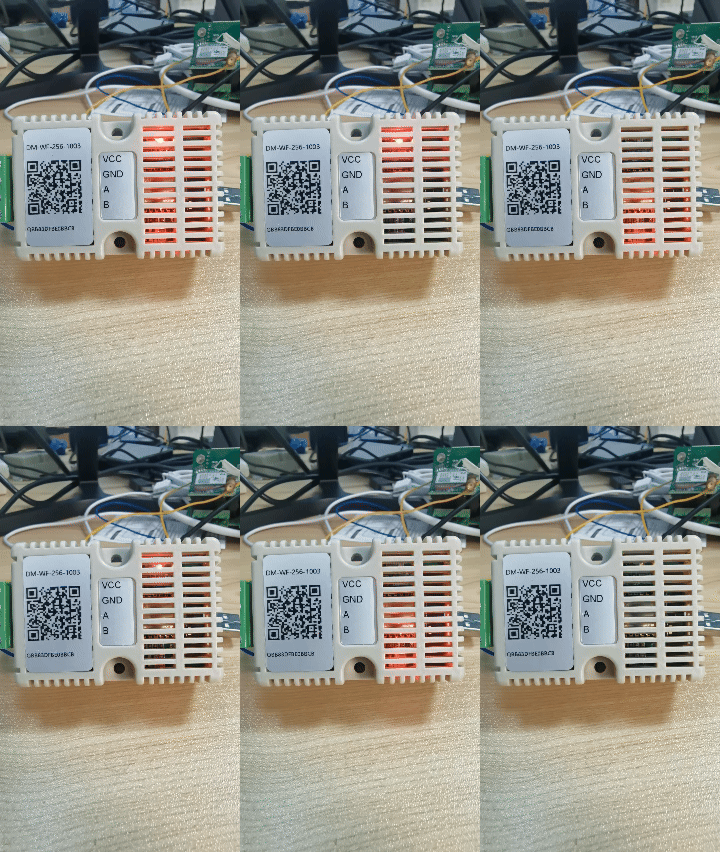
After the configuration succeeds, the DTU reconnects to the network. When reconnection is successful, the indicator at the upper-right of the device flashes quickly.